Subscribe & Contact Forms
The Supervisor theme supports optional subscription and contact forms powered by two popular WordPress plugins: MC4WP: Mailchimp for WordPress and Contact Form 7. The HTML markup examples below can be used to create forms with these plugins.
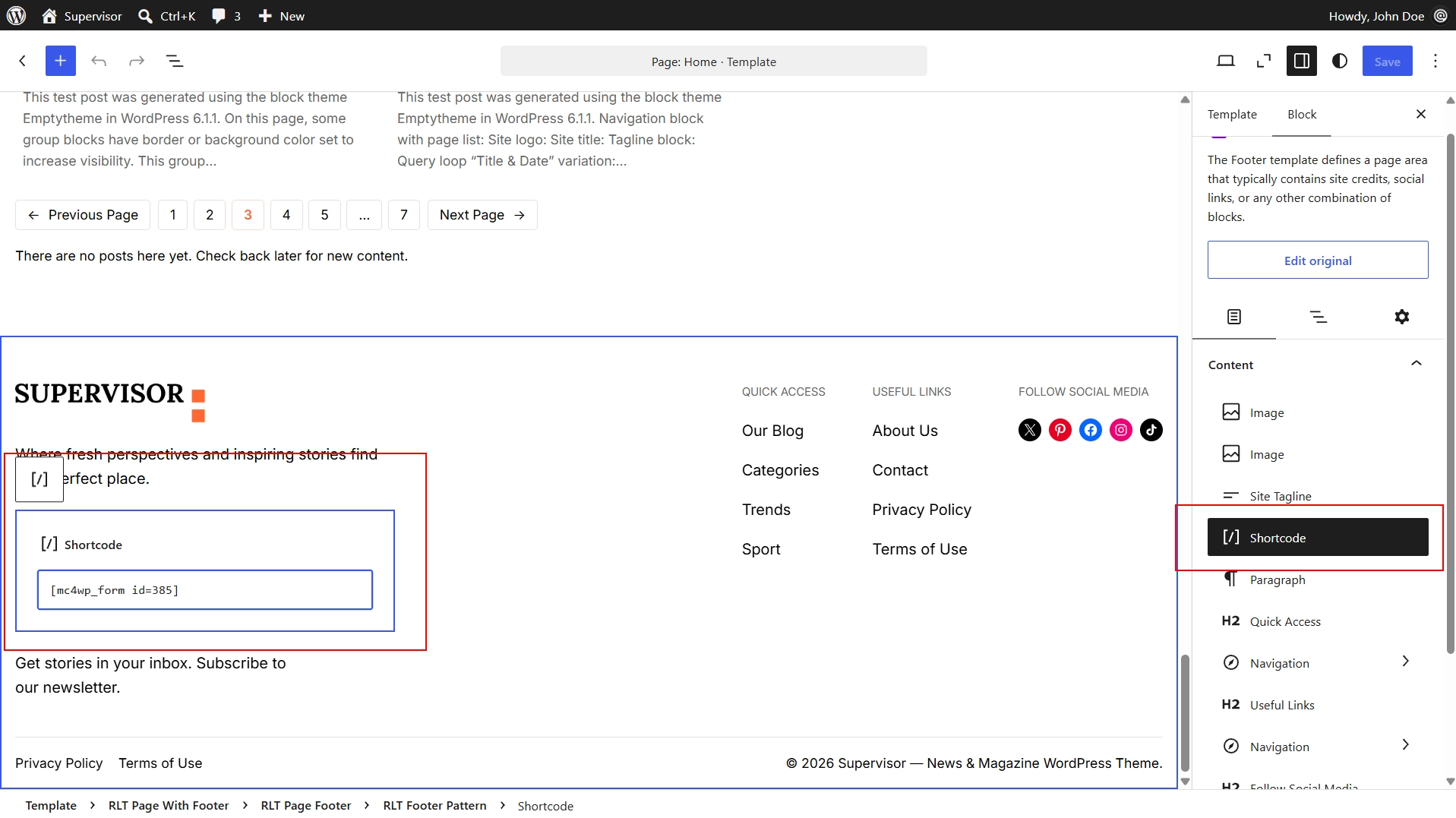
To add a subscription form, open the desired template in the Site Editor and insert a Shortcode block where you want the form to appear. Paste your form's shortcode ID into the block to display the Mailchimp subscription form.
HTML code for the MC4WP: Mailchimp for WordPress plugin:
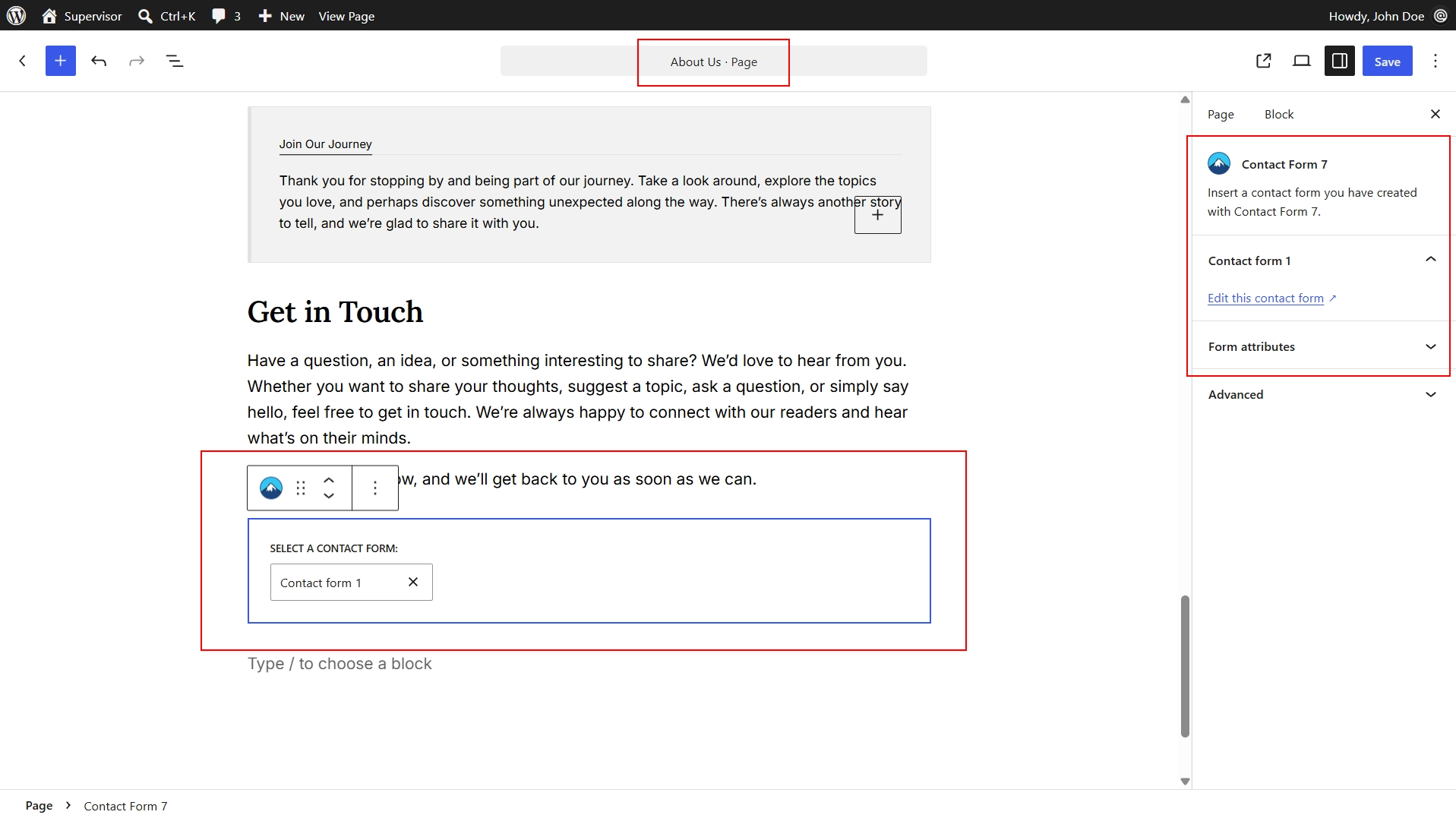
<div class="rlt-subscribe-form"><div class="rlt-subscribe-field"><label for="email" class="rlt-subscribe-label"><span class="screen-reader-text">Email address</span><input type="email" id="email" name="EMAIL" class="rlt-subscribe-input" placeholder="Your email address..." autocomplete="email" required /></label><input type="submit" value="Sign up" class="rlt-subscribe-button" /></div></div>To add a contact form to the About Us page, open the page itself for editing from the WordPress dashboard (not its template). Insert a Contact Form 7 block in the desired location and select a form from the list of available forms.