Category Images
The Supervisor theme allows you to assign two images to each post category: a small icon and a larger featured image. These images are used in different theme components and layouts.
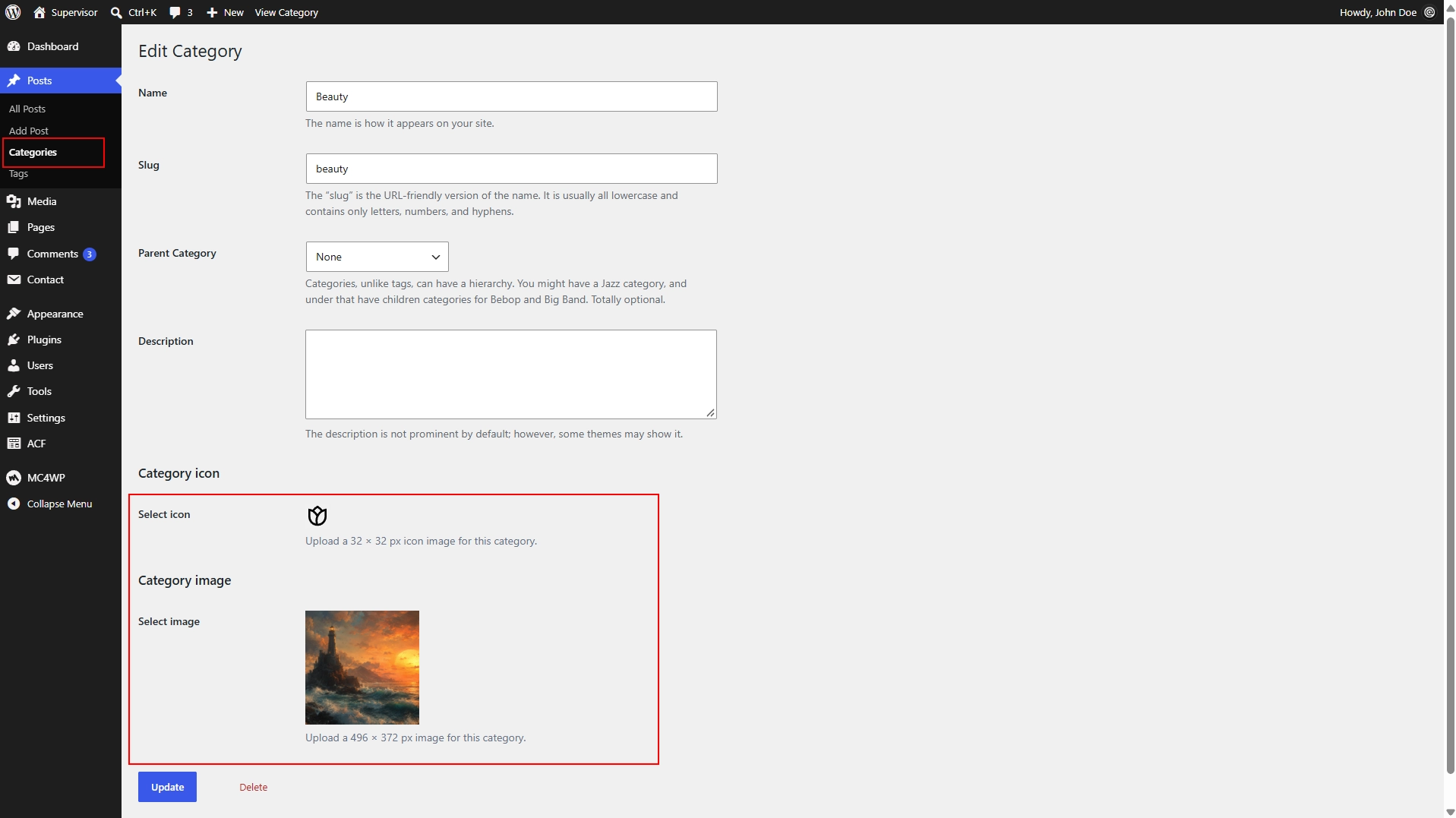
To add images to a category, navigate to Posts → Categories in the WordPress dashboard. Create a new category or edit an existing one and locate the image settings:
-
Category Icon — upload a 32 × 32px image. This icon is displayed in the RLT Categories Slider block.
-
Category Image — upload a 496 × 372px image. This image is displayed on the Categories page and in the navigation mega menu when the corresponding category is selected.
Click Add Image next to the corresponding field to upload or select an image from the Media Library. You can replace or remove the assigned images at any time.
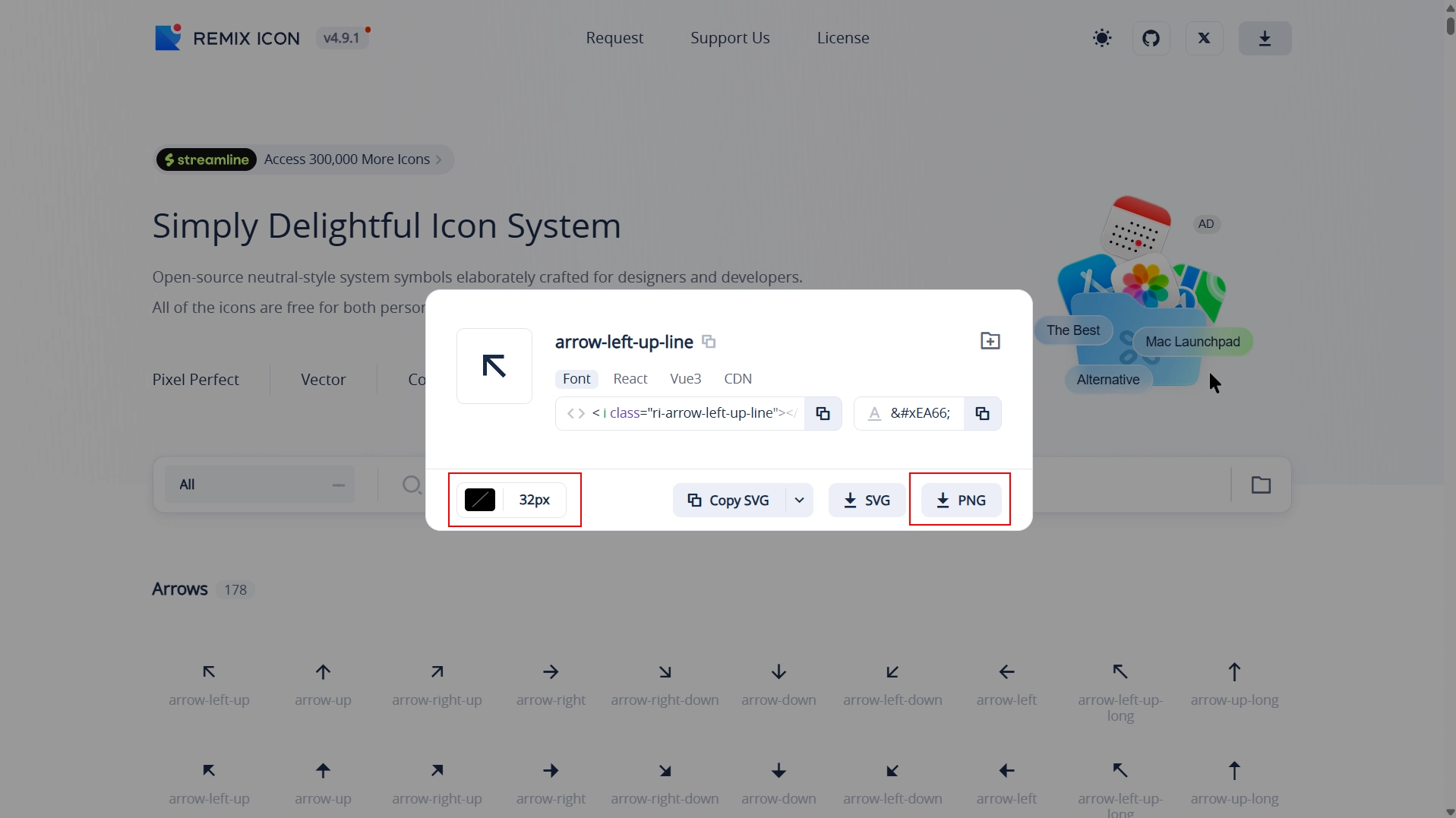
For category icons, we recommend using black PNG images with transparent backgrounds. You can find suitable icons in the Remix Icon library. Make sure the image dimensions are 32 × 32px.