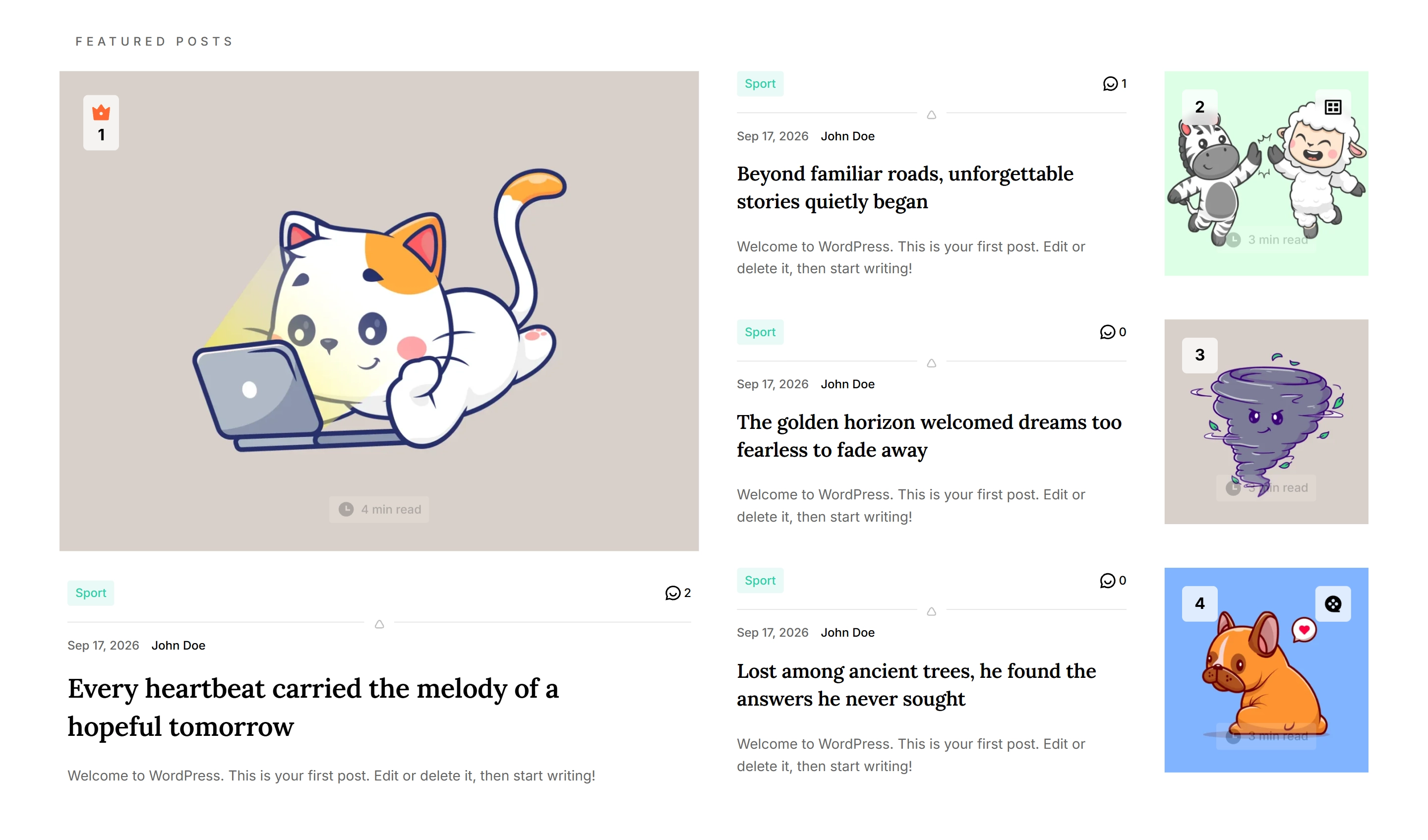
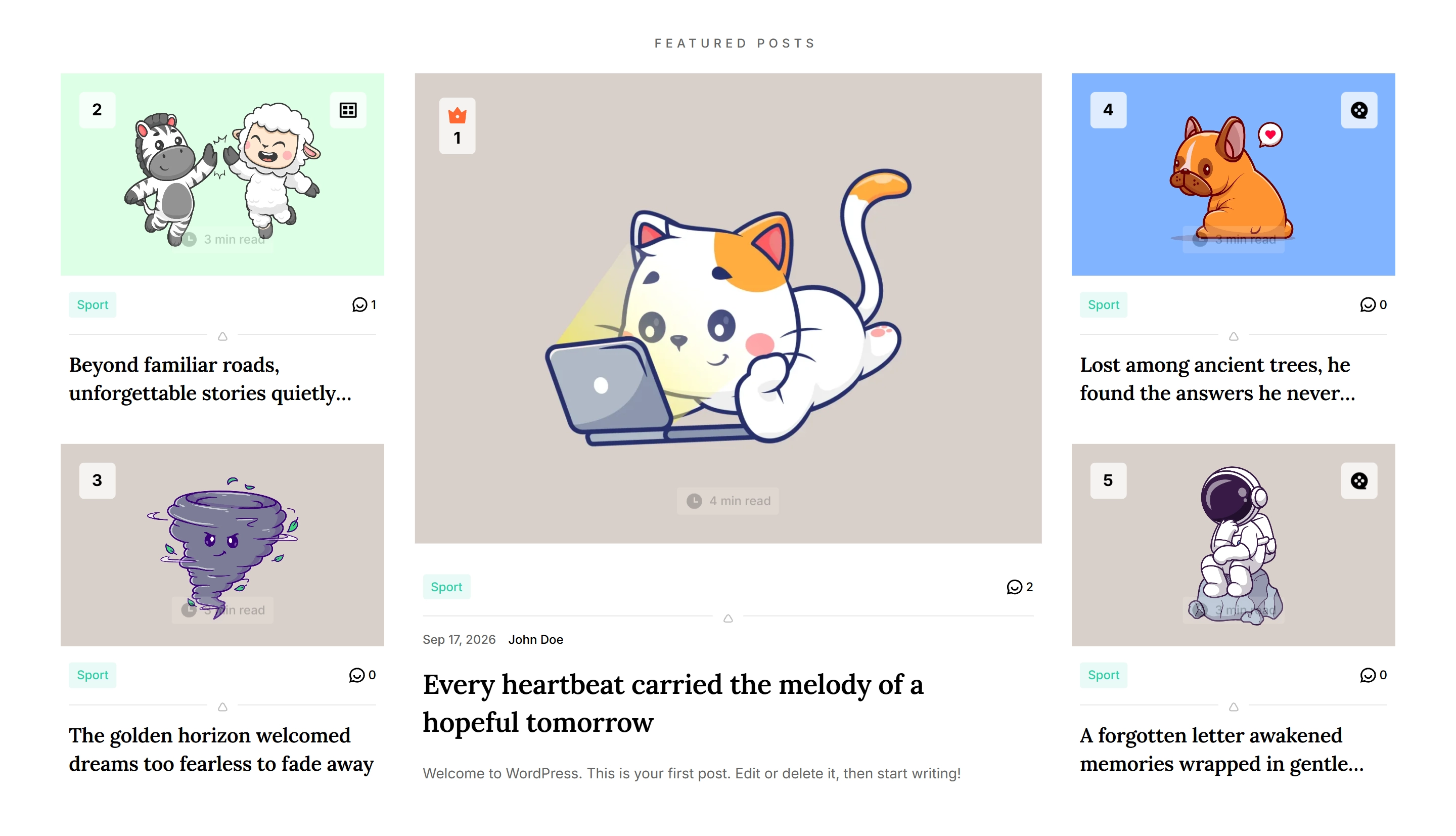
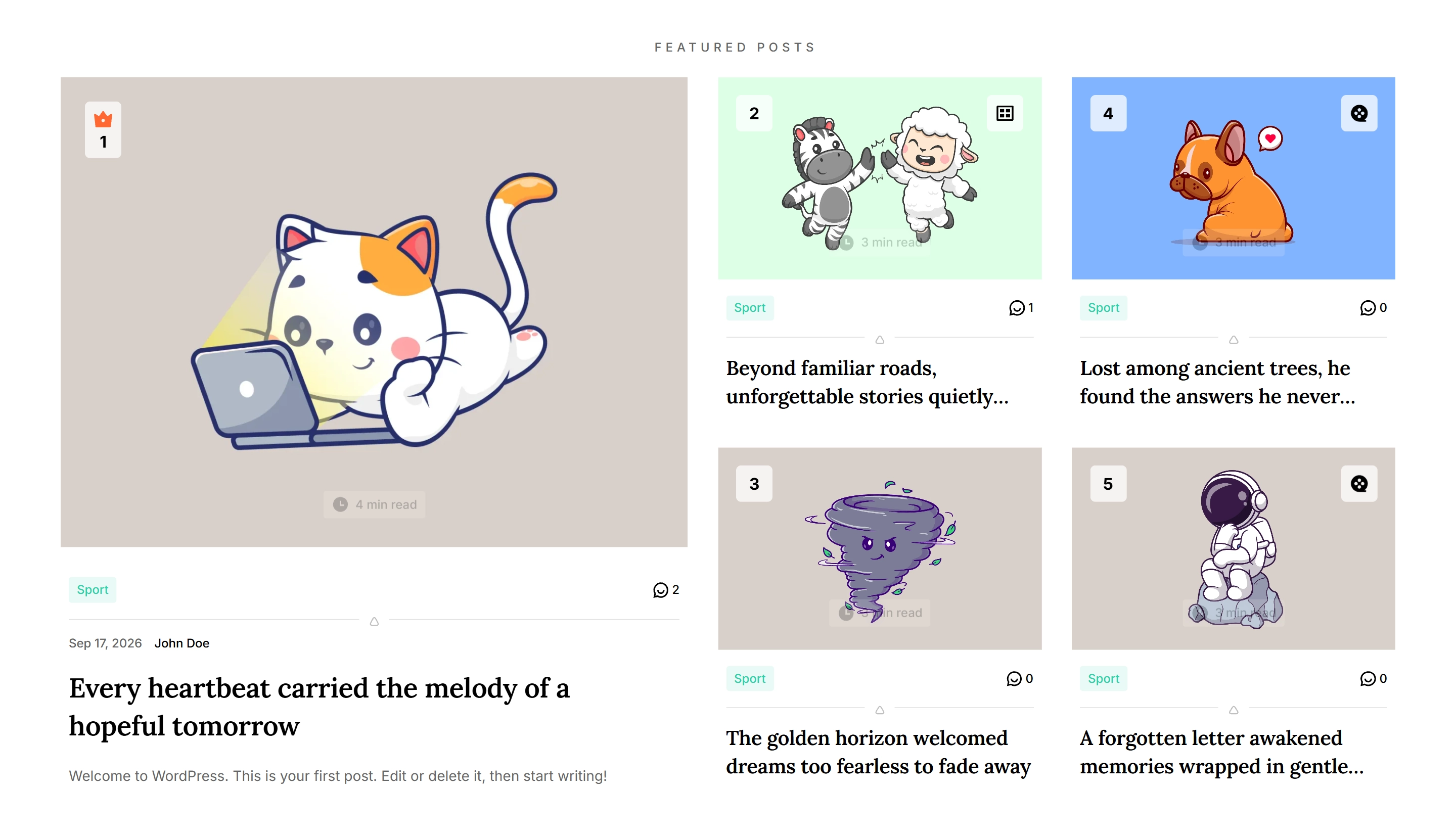
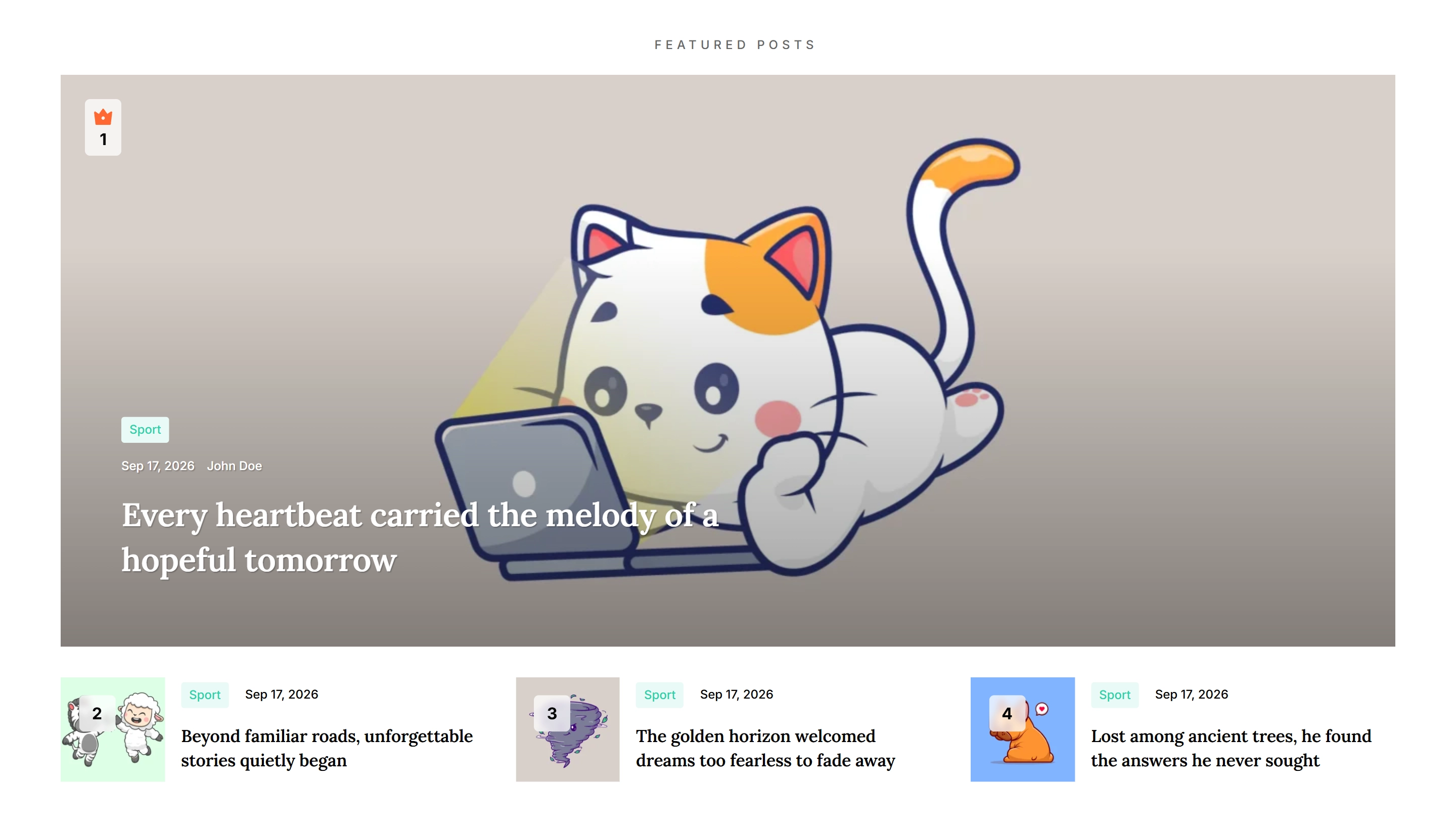
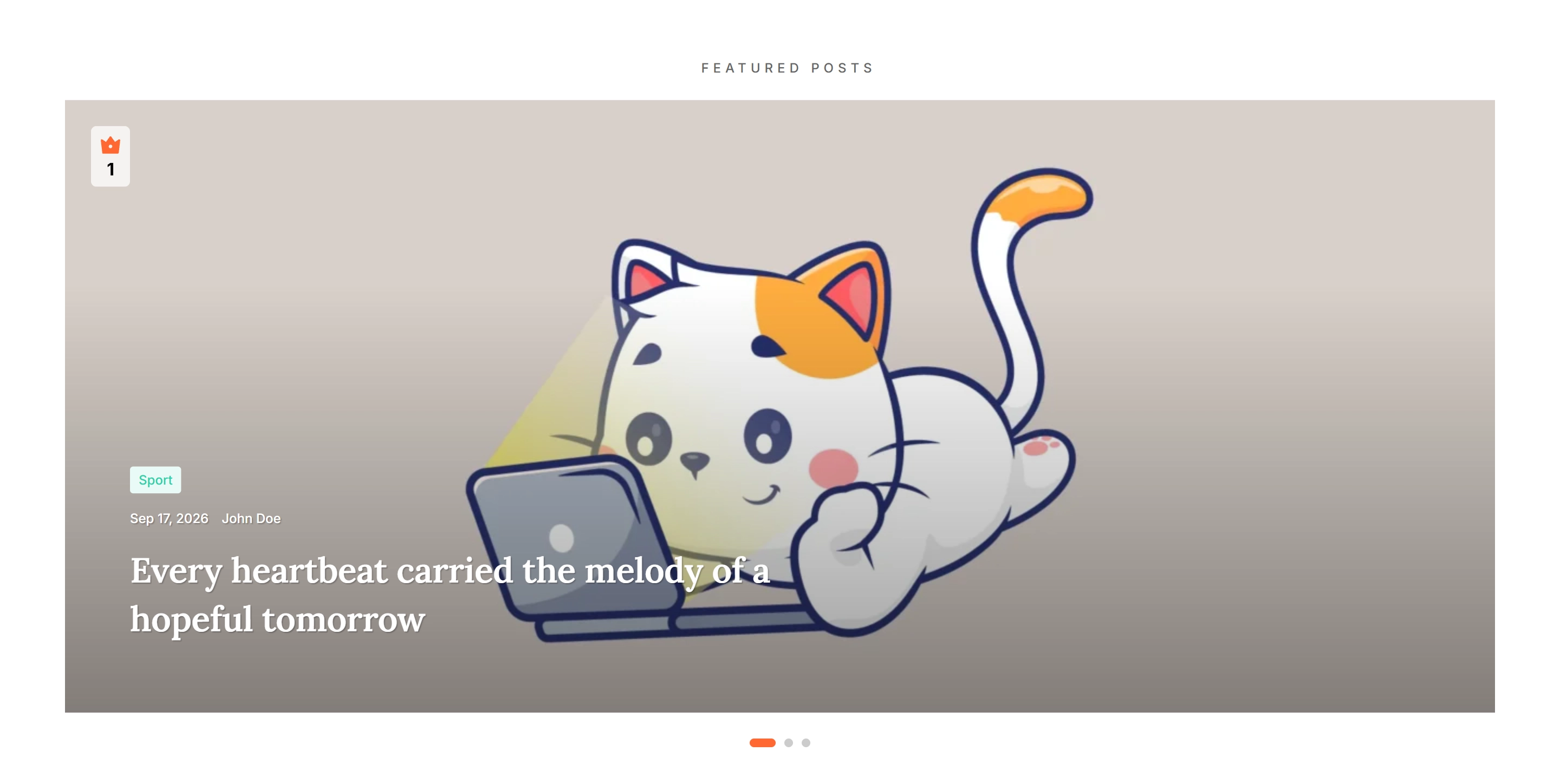
Featured Posts
The Supervisor theme includes five hero block variations, RLT Hero (A) through RLT Hero (E), which display featured posts on the homepage. You can choose which posts appear in these sections using the Featured Post option in the post settings.
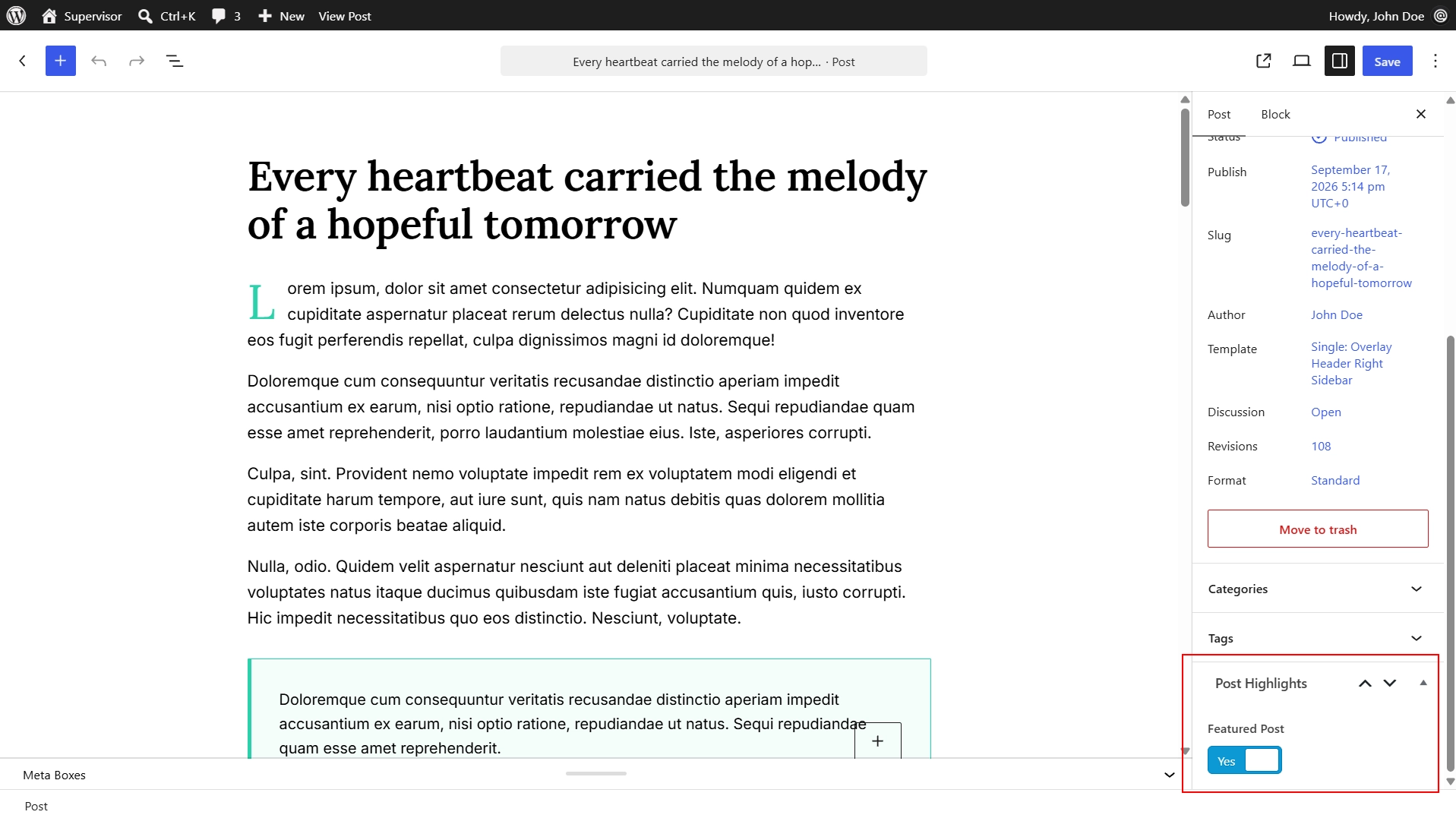
To feature a post, navigate to Posts → All Posts in the WordPress dashboard and edit the desired post. In the post settings sidebar, expand the Post Highlights panel and enable the Featured Post toggle. Save your changes to include the post in the featured posts query. The latest published featured posts are displayed first.
Featured posts are also identified by a Featured label in the Posts list, making it easy to distinguish them from regular posts, similar to the built-in Sticky label used for sticky posts.
Examples of featured posts are shown in the screenshots below: