Changing Global Styles
Customize the overall appearance of your website by adjusting global styles, including fonts, colors, typography, and layout settings.
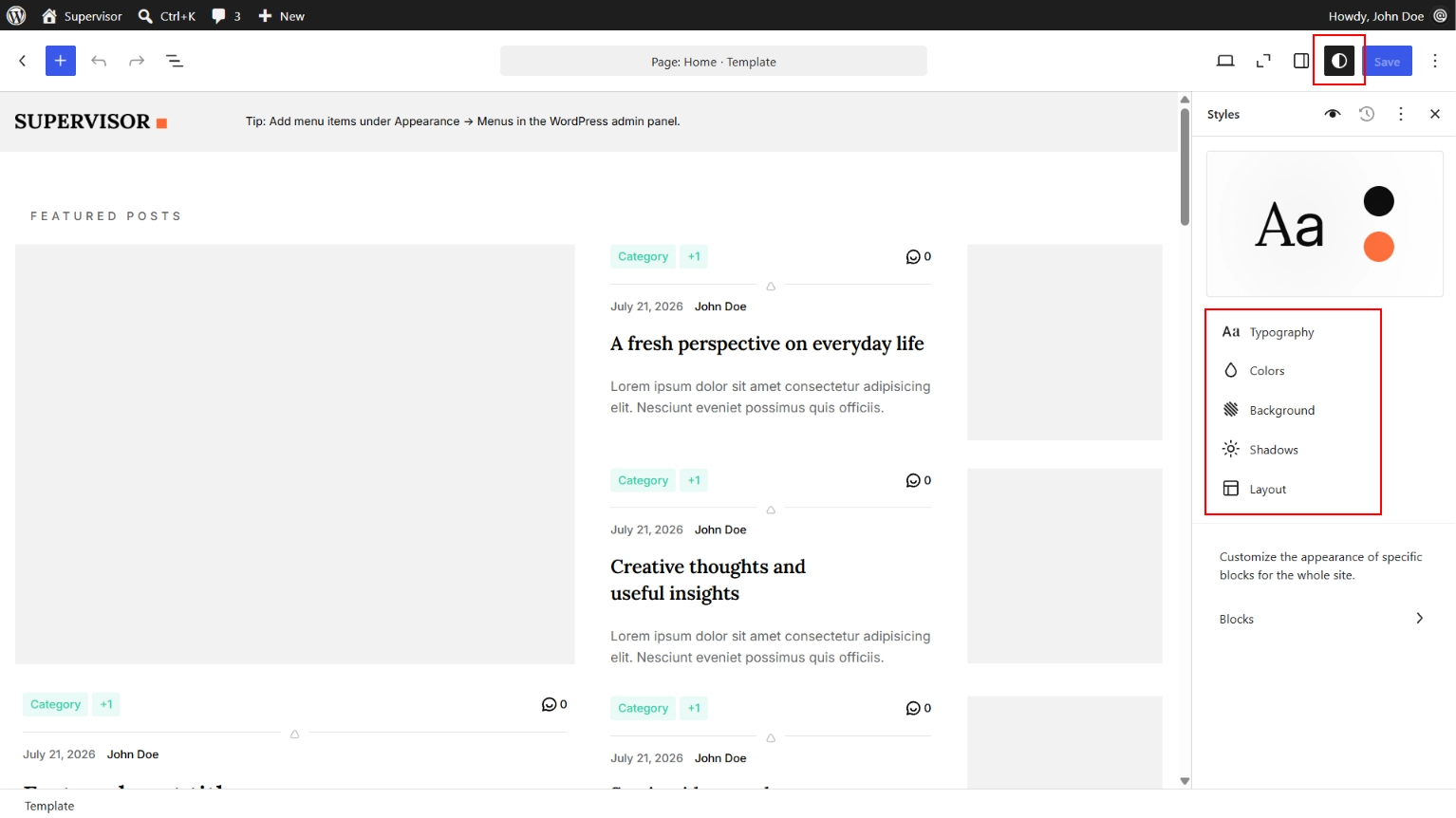
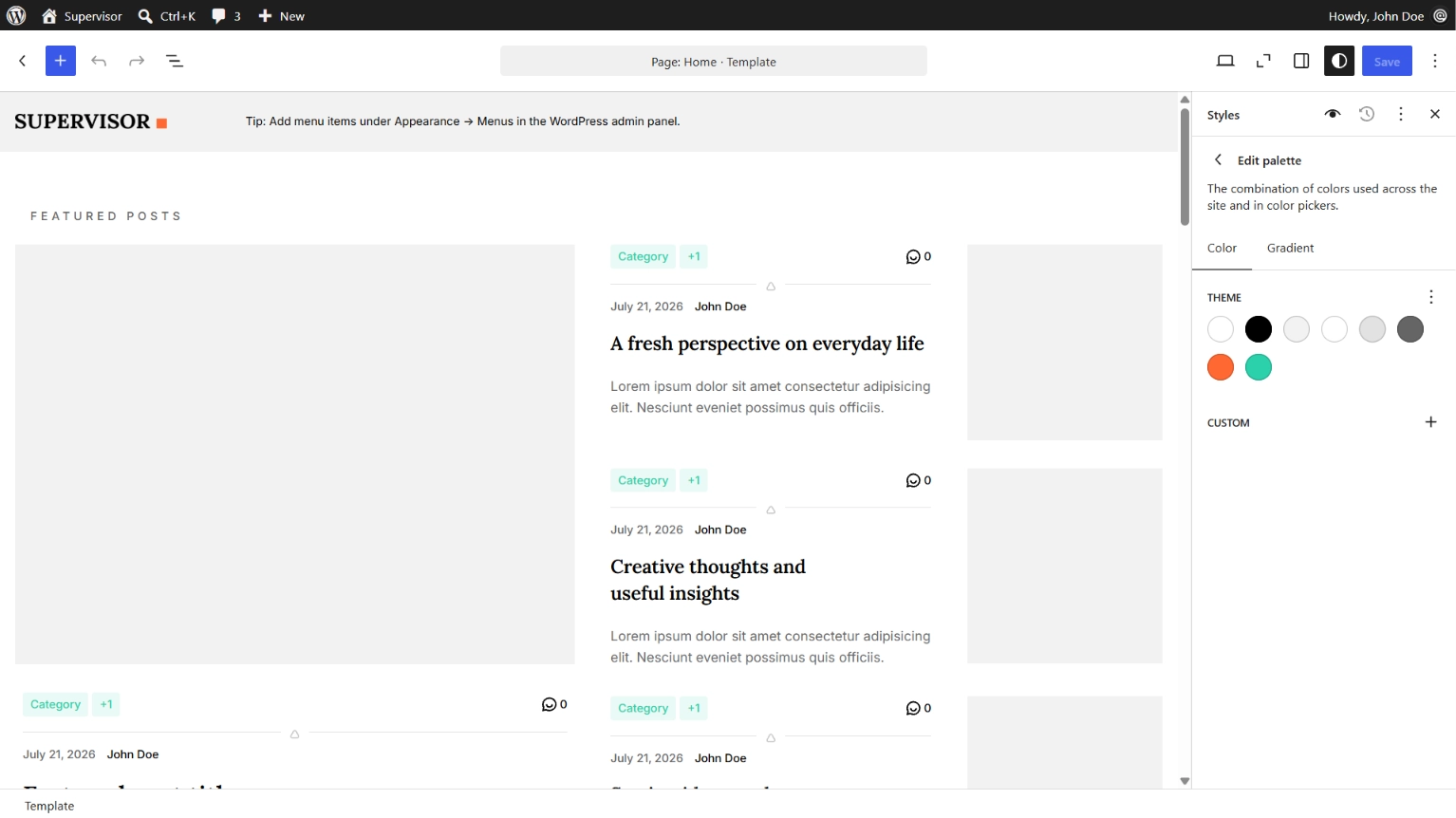
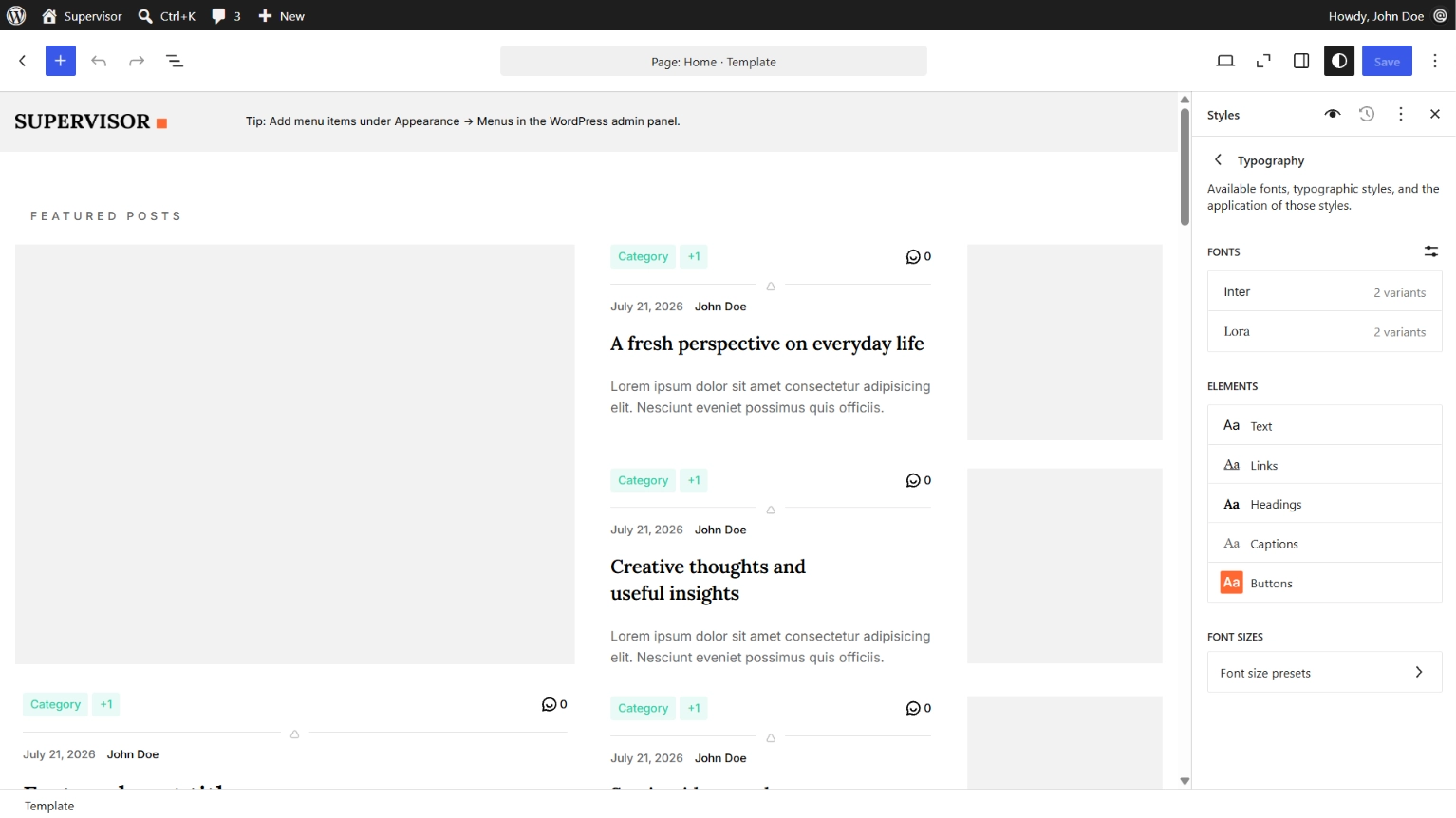
The WordPress Site Editor provides built-in styling options that allow you to change the appearance of your website globally or customize individual blocks. Open the Styles panel to manage the global color palette, adjust typography and spacing, and configure layout settings. You can also upload custom WOFF2 font files and assign them to headings or body text. These options let you adapt the Supervisor theme's appearance to your preferences without modifying theme files or writing code.
The Supervisor theme supports both light and dark color themes. To keep the global color palette simple and manageable, customization is focused on the Primary and Accent colors. Other colors, such as borders, automatically adapt to the active color theme and are not intended to be customized individually.